
Adjusting the preferences in Gimmal Physical can significantly improve the end-user experience. These settings allow you to tailor the interface and its behaviors to better suit the needs of your user base.
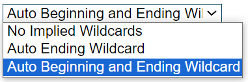
Wildcard Behavior
Tailor search functionalities with options like 'Auto Beginning and Ending Wildcard' to streamline finding records in the quick search.
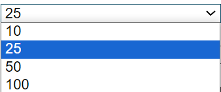
Records per Page Limit
Configure how many records appear per page for easy viewing.
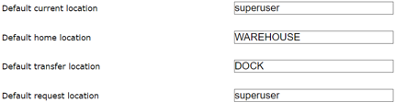
Default Locations
Set up default locations for current, home, transfer, and request operations to speed up day-to-day tasks.
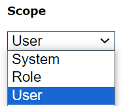
Scope Settings
Determine whether a preference applies system-wide, by user role, or for individual users to provide a consistent or customized experience as required.
Experiment with various settings and combinations under each category to create the most effective environment for your users.
Don’t hesitate to contact support if you have any questions.
First published April, 2024