
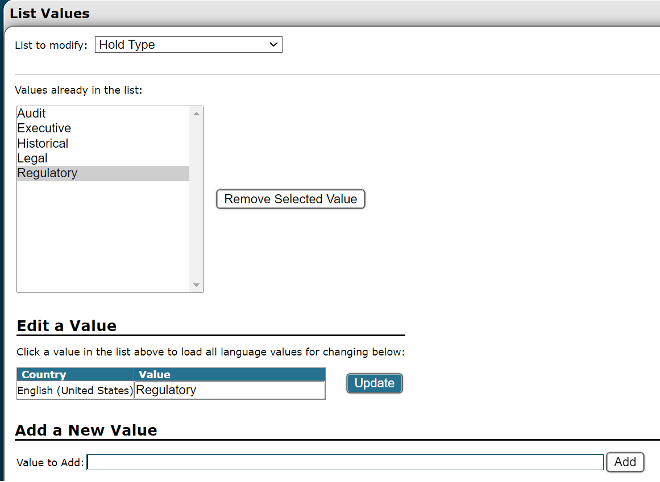
Did you know that you maintain full control over all list values within Gimmal Physical? To do so, navigate to Admin/List Values in Gimmal Physical. Here, you'll find a dropdown showcasing all list fields.
Actions You Can Take:
-
Add: Incorporate new values to your selected list.
-
Update: Modify existing values as needed.
-
Remove: While you can delete values, note that those currently in use by records are protected from removal.
Things to Keep in Mind:
-
Immediate Impact:
Any edits you make reflect instantly throughout the application. -
History Tracking:
Rest assured, every change you make is recorded in the 'Application History' for transparency and reference.
Don’t hesitate to contact support if you have any questions.
First published January, 2024